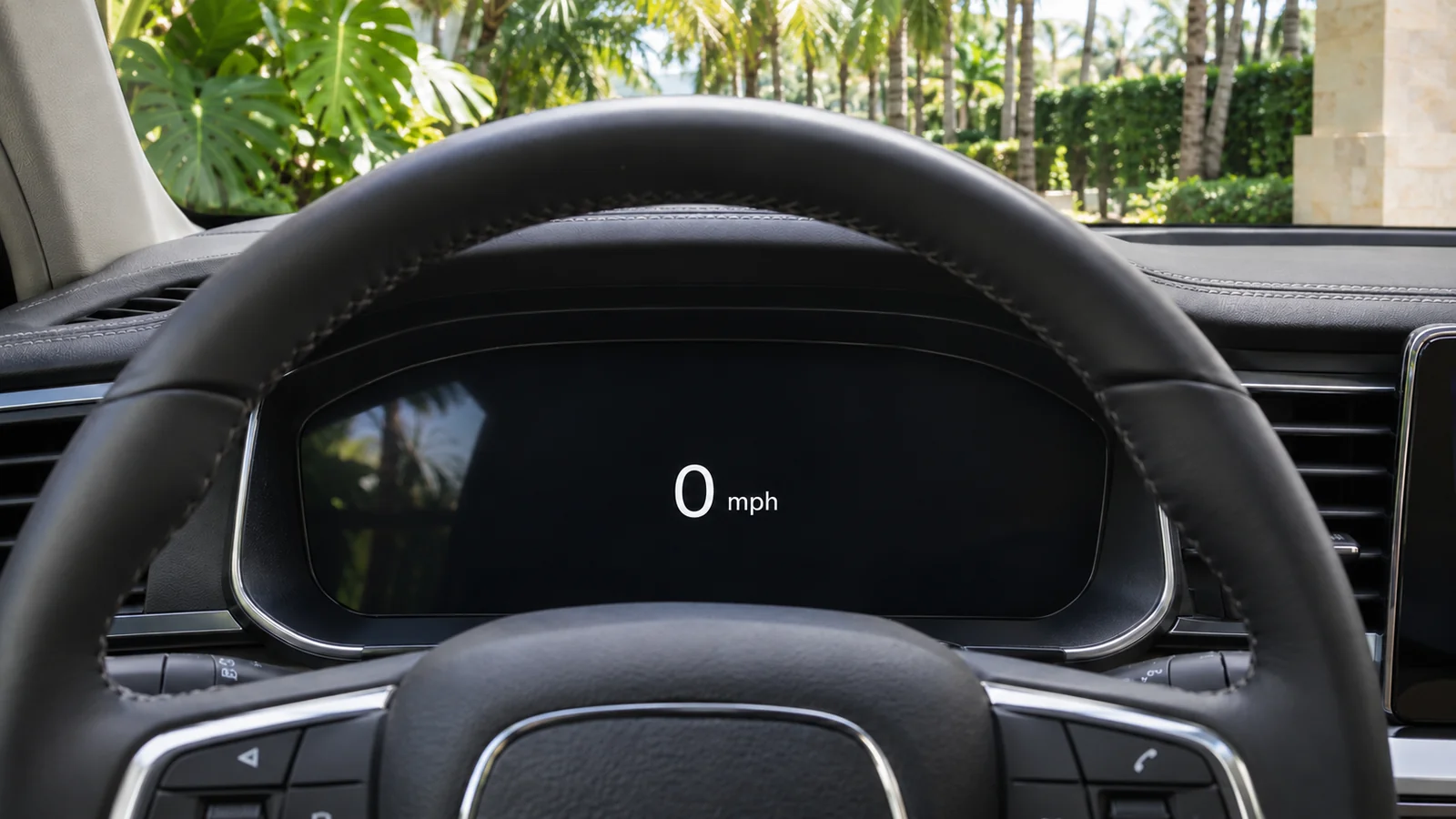
An unfamiliar dashboard can show a large speed number, a smaller second scale, a trip counter and a remaining-range estimate at the same time. Before driving a rental in Miami, identify the unit beside each number. Changing a navigation app to kilometres does not necessarily change the car, and a range estimate is not the distance you have already driven.
This guide helps visitors who normally use metric units prepare for a Miami rental. It is a handover checklist, not an instruction to change controls while driving or a claim that every vehicle offers the same display settings.
Identify three displays before leaving the pickup point
First, find the speedometer and read its unit: mph or km/h. Then locate the odometer, which records the car's total distance, and the trip display if one is present. Finally, identify any fuel or battery range estimate. Ask the representative to point out the differences on the exact vehicle.
Keep those units in the collection record. If the odometer is in miles but your itinerary is in kilometres, convert the itinerary before comparing it with the agreed mileage allowance. The separate rental mileage planning guide covers how to estimate your journeys and ask about the allowance; this article explains the units behind those numbers.
Use a small conversion table for planning
The US National Institute of Standards and Technology lists one international mile as exactly 1.609344 kilometres in its unit conversion guidance. The planning figures below are rounded; they are not suggested driving speeds or instructions to exceed a posted limit.
| Reading in miles or mph | Approximate kilometres or km/h | Use of the comparison |
|---|---|---|
| 1 | 1.6 | Quick distance estimate |
| 10 | 16.1 | Compare a short route in different units |
| 25 | 40.2 | Understand the difference between the two scales |
| 50 | 80.5 | Convert a longer distance or display reading |
| 100 | 160.9 | Compare itinerary totals with rental paperwork |
For distance, multiply miles by 1.609344 to obtain kilometres, or divide kilometres by the same factor to obtain miles. The numerical factor also converts mph to km/h. A label matters: 50 kilometres and 50 miles are different distances even though the display number is identical.
Match the speed display to the road information
Confirm that you understand the speed unit before joining traffic. If the vehicle has a second scale, ask which number is the main reading and which is the secondary reference. Do not assume the larger number is always mph or that a head-up display uses the same presentation as the instrument panel.
Use current road signs and conditions rather than a remembered conversion as your driving instruction. Navigation information and a displayed speed-limit icon may not reflect a temporary restriction. If you cannot comfortably read the car's speed information, resolve that at handover rather than trying to learn it on a busy road.
A passenger can help with route directions, but the driver still needs to understand the instruments. Write down an unfamiliar control question while parked and ask the rental team for the correct vehicle guidance.
Change settings only after a demonstration
Some vehicles let you change distance, speed or temperature units. Menus and available combinations vary by model, equipment and software. Ask whether a change is appropriate on this rental and whether the display should be returned to its collection setting when you hand it back.
If a setting is changed, check the speedometer, trip counter and range display individually before moving. A change in one menu may affect more than one number. Avoid resetting trip data or other stored information simply because it looks unfamiliar; ask which readings the team uses for the condition and mileage record.
The car and your phone have separate settings. Confirm the units in the navigation app as well, especially if a passenger is reading distances aloud from a different phone.
Treat range as an estimate, not a promise
The remaining fuel or charge range is different from an odometer reading. It is a planning aid, not proof of the distance you can travel under every condition. Ask where to read the actual fuel gauge or battery percentage and what the rental agreement requires at return.
For an EV, use the Miami charging guide to plan charging access and billing. For a petrol vehicle, the fuel return checklist helps keep the return requirement separate from a dashboard estimate. Neither a display setting nor a conversion changes the agreed rental terms.
Keep a consistent pickup and return record
- Photograph the odometer with its visible unit at collection and return.
- Record fuel or charge in the format the rental team requests.
- Note any agreed display-setting change while the vehicle is parked.
- Keep the original mileage allowance and any approved extension together.
- Ask the team to explain a discrepancy before relying on a converted total.
Use the complete pickup and return inspection checklist for the broader condition record. Include your planned dates and route when discussing a car; understanding the units makes the conversation clearer, but it does not establish availability or route approval.
Questions visitors ask
Does changing my phone to kilometres change the car?
Do not assume it does. Check the phone and vehicle independently while parked.
Is 100 km the same as a 100-mile allowance?
No. 100 miles is approximately 160.9 km. Read the actual unit in your proposal before comparing routes.
Should I reset the trip computer at pickup?
Ask first. Preserve the agreed collection readings and follow the team's instructions for the exact vehicle.