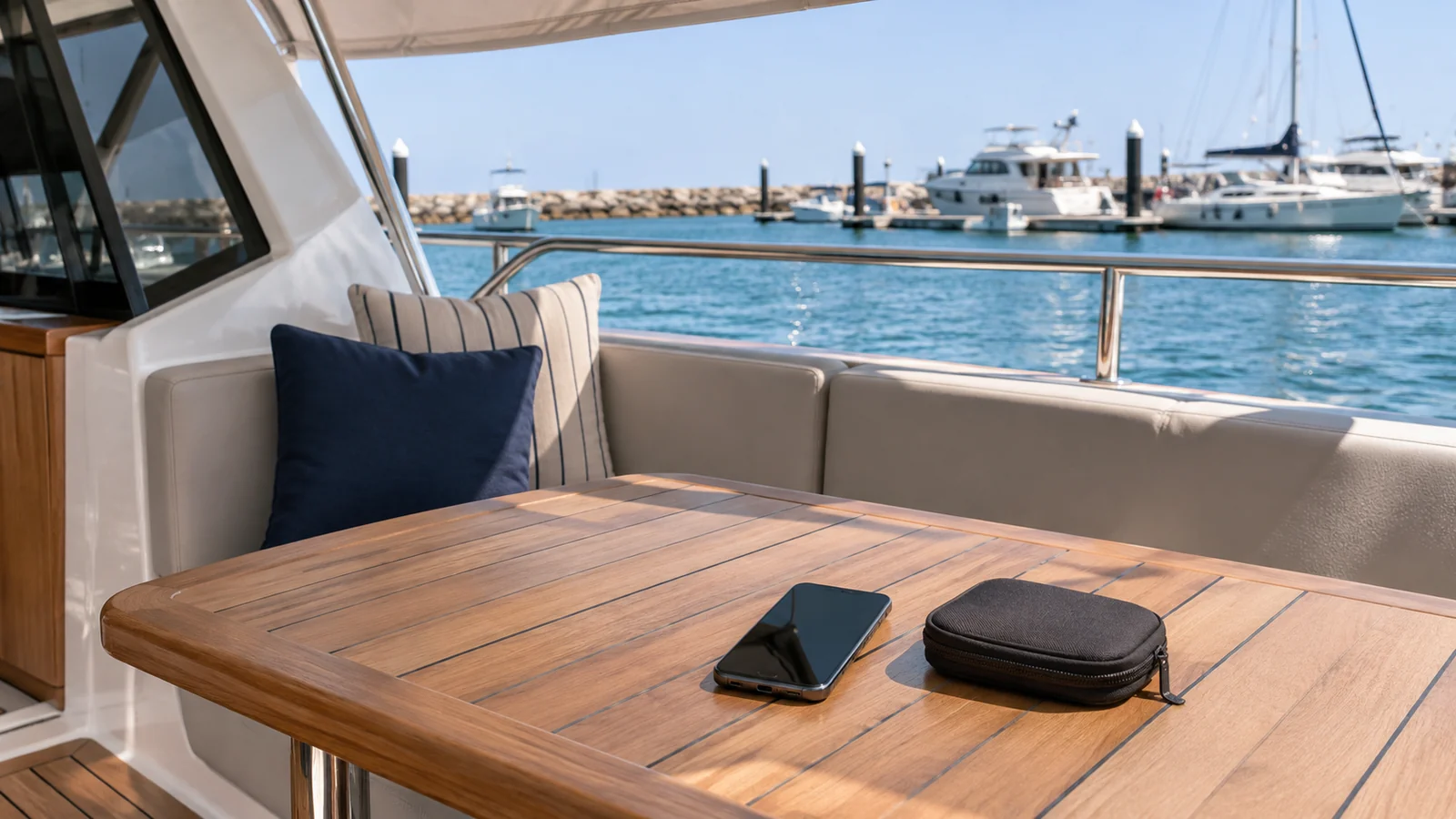
A good playlist is only one part of arranging music for a yacht day. The group also needs a supported connection, one person controlling it and an understanding of when the crew needs everyone’s attention. Confirm those details for the actual boat before bringing extra equipment or promising a particular entertainment setup.
Start with the Miami yacht collection and the boat under discussion. This guide does not advertise Bluetooth, speakers, a DJ or any sound system as an included feature of a particular charter. It helps you turn those preferences into a clear request.
Ask what guests may connect
Tell the charter team what you would like to use: an ordinary phone playlist, a specific music service or separately arranged entertainment. Ask what connection is available to guests and who demonstrates it aboard. A speaker visible in a photograph does not tell you which devices guests can pair or which controls they may use.
Confirm any cable or accessory you should bring. Do not buy an adapter or bring an extra speaker on the assumption that it solves compatibility. Ask whether the proposed item is permitted and useful on that vessel. Equipment needs, setup time and any separately quoted service should be discussed before the group arrives.
Prepare an offline option you can actually play
Where your music service supports it and your account allows it, prepare the chosen music on the device before departure. Apple’s download guidance, for example, distinguishes adding music to a library from downloading it for offline listening. Seeing a playlist in an app is not the same as checking it is ready to play without streaming.
Test the device and the music you intend to use before leaving for the marina. Keep the phone charged and carry only accessories approved for the arrangement. The separate yacht connectivity guide covers internet questions; do not make the group’s music plan depend on an unconfirmed guest connection.
Choose one music host
| Before departure | Agree with the group | Confirm with the operator |
|---|---|---|
| Main device | One person responsible for playback | Supported guest connection |
| Playlist | Length and content suited to the group | Any relevant onboard restrictions |
| Backup | A workable offline selection | Approved alternative if connection fails |
| Charging | A charged device and suitable accessory | Where charging is permitted |
| Extra equipment | What you hope to bring | Permission, setup and storage arrangements |
| Separate entertainment | The actual proposed service | Acceptance, timing and complete quote |
One host can take suggestions without several phones repeatedly replacing the active connection. Keep the group’s main organiser reachable too. The person managing music should not lose track of the boarding message or an update from the crew while searching through requests.
Let the briefing and crew instructions take priority
Put the music aside during the safety briefing and whenever the crew asks for attention. Follow the captain’s directions about volume, timing and use of the equipment. A private charter does not give guests control of the vessel’s operational systems.
Ask the crew to identify the guest controls. Do not use a bridge display, unplug installed equipment or change sound-system settings beyond what has been shown. If a connection stops working, report the problem rather than interrupting operations with repeated experiments. The group can enjoy the trip while the crew decides what assistance is appropriate.
Treat a DJ or performance as a separate request
A phone playlist and a performer’s equipment create different arrangements. If you want a DJ, microphone or other entertainment, describe the actual plan before confirming the booking. Ask who supplies equipment, where setup happens, what space it uses and whether it fits the vessel and itinerary.
Coordinate that request with food, decorations and the guest list. A table or seating area cannot be promised to several suppliers at once. The birthday timeline guide can help organise the sequence, but it does not approve a supplier or add preparation time to the charter. Keep each confirmed arrangement in the same current plan.
Close the connection before leaving
At the end, let the crew guide disconnection and collect the phone, cables and any approved belongings. Avoid leaving a device paired merely because another guest may want the same playlist later. Keep personal account details private and do not give a music-service password to the group to make playback easier.
A useful enquiry is: “We would like to play a phone playlist on [boat/date]. What guest connection is available, which accessories should we bring, and who shows us the permitted controls? We will have an offline selection. We would also like you to assess [any separate entertainment] before we commit.”
That gives the team a concrete plan to assess while keeping the day centred on the people, the route and the experience already agreed.