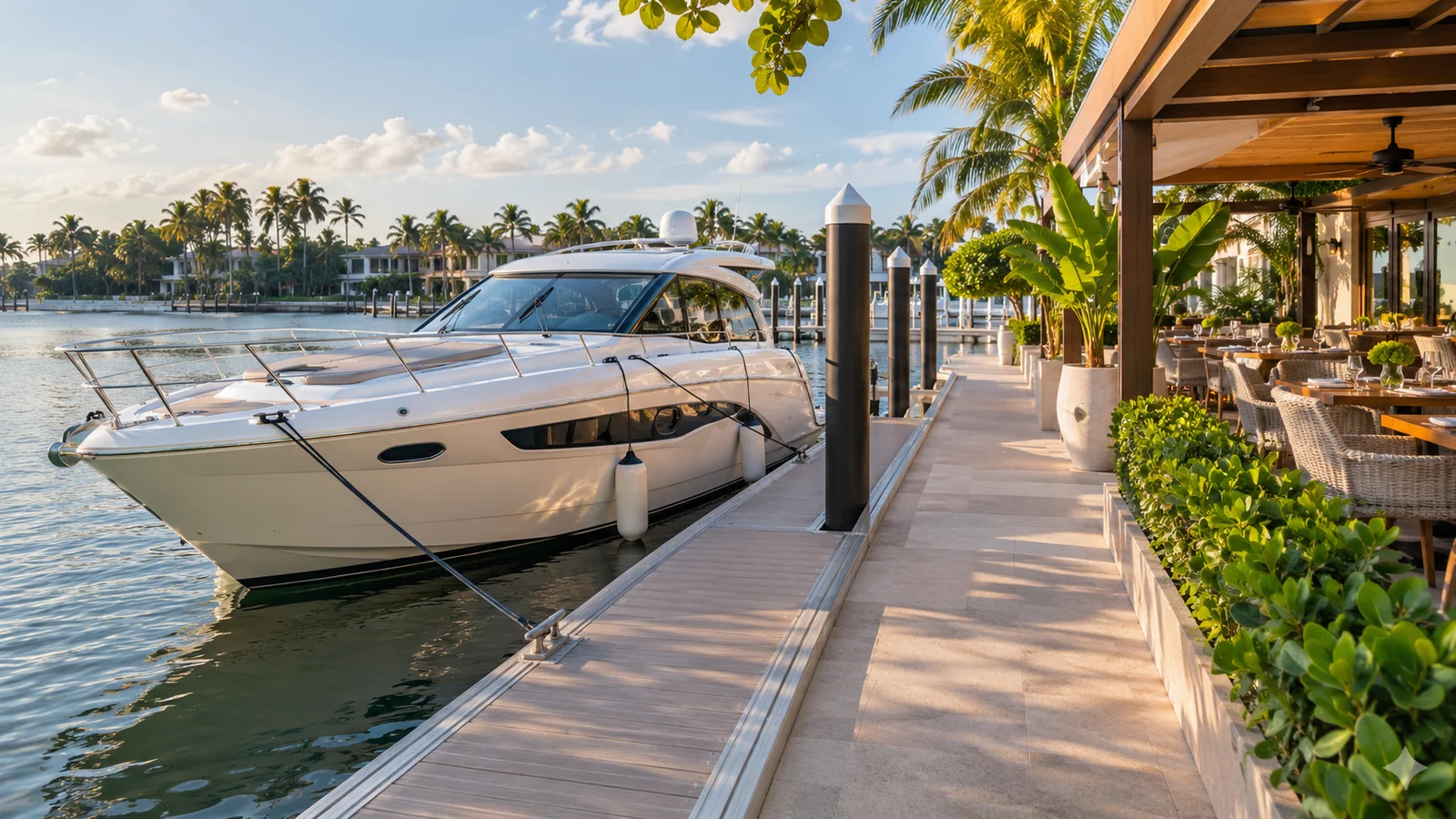
A yacht can have a wireless network without offering the connection you need for a video meeting. The useful enquiry is not simply “Does it have Wi-Fi?” Ask what can be confirmed for the particular vessel, route and booking, then decide how much of your day should depend on staying online.
Use the Miami yacht enquiry page to discuss the actual boat. This guide does not advertise internet access, satellite equipment, a data allowance or a work-ready connection as an included feature of any Pugachev charter.
Explain the task before asking about speed
Checking a message, uploading a large file and joining a live video meeting are different requirements. Tell the charter team what you need to do, roughly when it must happen and whether a missed connection would disrupt your plans. Ask what the operator can actually confirm rather than requesting a general promise of “fast internet.”
If the call is essential, consider arranging it ashore before boarding or after the charter. That can be a better fit than asking the day on the water to accommodate an unverified connection. The four-versus-eight-hour charter guide helps you consider the overall time available without treating work time as an extra service period.
Ask about the connection for the intended route
Find out whether internet access is available to guests, how access is provided and whether the answer changes along the proposed route. Ask about any data limits, usage restrictions or separately quoted access. Do not infer the connection method from a visible antenna or a photograph of another yacht.
The FCC's National Broadband Map fact sheet describes mobile coverage as an outdoor or in-vehicle measure, rather than indoor coverage. A coastal map therefore should not be treated as a guarantee that your device or a vessel's connection will support a particular call. That is a planning inference, not a measurement of the yacht you are considering.
| Requirement | Question for the operator | Backup to arrange |
|---|---|---|
| Messages and email | Is guest internet access available during this trip? | Download essential information before boarding |
| Video meeting | What can be confirmed about connection stability? | A suitable ashore call location or rescheduling |
| File transfer | Are there data or usage limits? | Complete large uploads before departure |
| Device power | Where may this device be charged? | An already charged device and approved accessories |
| Quiet conversation | Is a suitable area available without blocking operations? | A private conversation before or after the charter |
| Other guests | Will the plan affect the group's shared time? | Agree a short, clearly bounded work window |
Check charging and the place you will use
Ask about an appropriate charging point for your device and follow the crew's instructions. Do not move equipment, run cables through walkways or improvise an electrical connection. Keep devices and accessories where they will not obstruct boarding, crew movement or access to equipment.
Consider the environment as well as the network. Sunlight, wind, engine noise and other guests may make a live conversation impractical even when a device is connected. Ask whether there is a suitable place to sit and whether using it would conflict with the agreed charter plan. A dining table shown in photographs does not establish a private office.
Keep access and work information private
Ask the crew to identify the correct guest network instead of joining a similarly named network on your own. Use the tools and connection arrangements approved for your work. Do not forward a network password or other access details beyond the people permitted to use them.
For a work device, check your organisation's requirements before the trip. Ask whether the planned task can use an available guest connection or needs a different approved arrangement. Resolve that with the appropriate person at work; a leisure charter team cannot approve your company's access procedures. Keep confidential documents and meeting details out of general guest messages.
Give the plan a simple fallback
Download the itinerary, important contacts and any material you need before boarding. Tell the other participants what to do if the call drops or the connection is unavailable. Avoid promising a large live presentation until the practical arrangements are confirmed.
Keep work needs separate from the captain's operational decisions. Do not assume a route, departure or stop can be changed to obtain a better signal. Discuss the request with the charter team in advance, and accept that the proposed trip may not fit an essential online obligation.
Send a useful connectivity enquiry
“We are considering this yacht for these dates and this type of trip. One guest would like to take a short video call during the booking. Is guest internet access available, what limitations should we expect, and is there an appropriate place and charging arrangement? We will keep a separate backup if the call cannot be supported.”
That gives the team a concrete requirement to assess. It also leaves the rest of the charter centred on the day your group actually wants to enjoy.