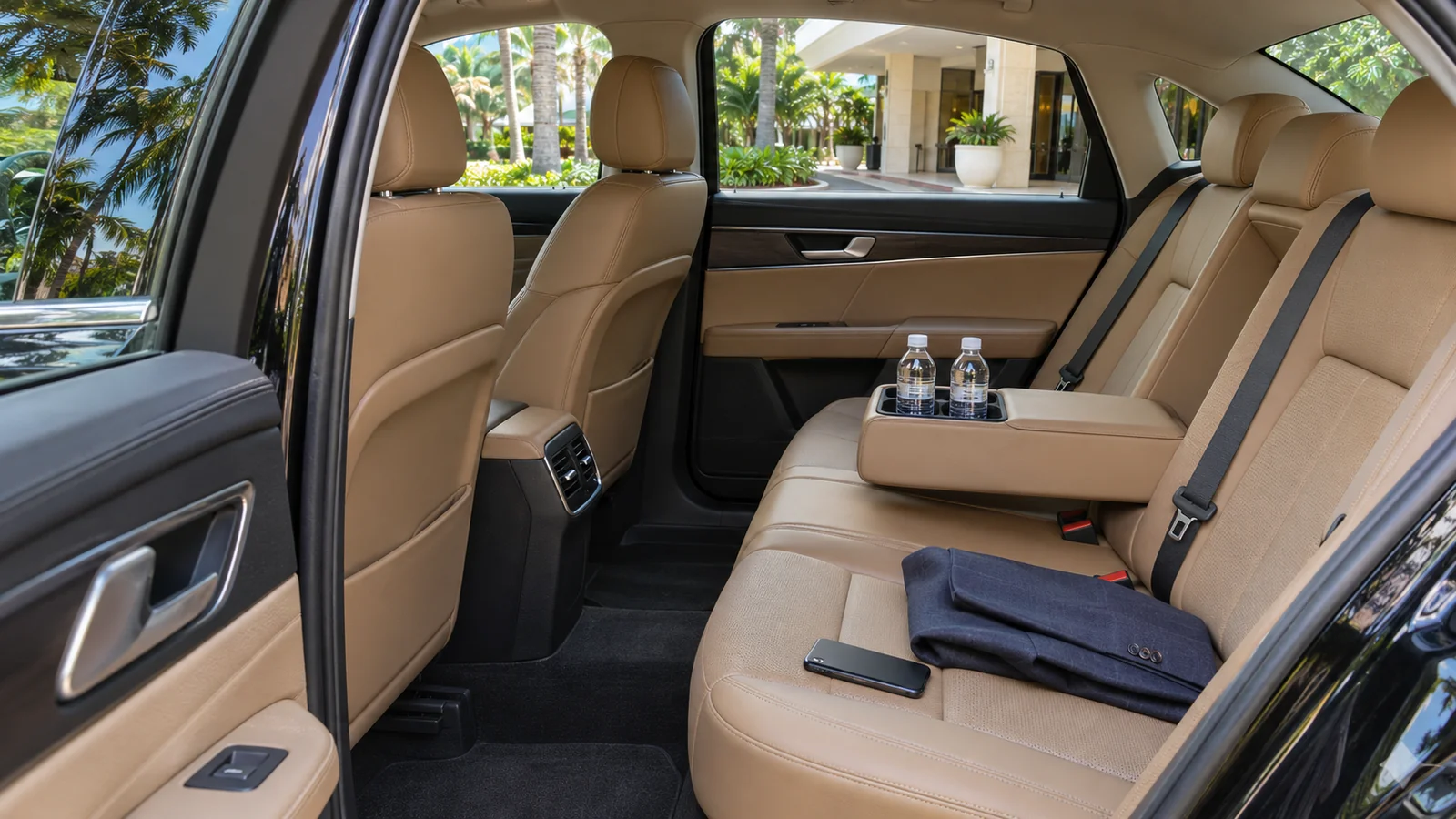
If you realize you left something in a rental car, contact the team that handled the return as soon as you can. Give them enough information to identify the car, find the handover record and check a specific place inside it. Ask how they will confirm a match and how a recovered item can be collected.
The time of the handover can be as useful as the vehicle color. A car may have moved since you last saw it. A report with the return location, booking reference and likely compartment gives the team somewhere concrete to start.
Find the agreement and return record first
Look for the booking confirmation, plate, vehicle description and the local time and place you handed it back. If a valet or another approved person was involved, say who accepted the keys and where. Use your pickup and return record to establish the last confirmed handover.
Say when you last used the item and where you think it was left. “Black glasses case, in the passenger-side door pocket” is more useful than “something in the car.” If you changed vehicles during the rental, identify which one you remember using when you had the item.
Describe enough for a match
| Item | Useful identifying information |
|---|---|
| Case or bag | Color, size, brand or distinguishing mark, and the likely compartment |
| Phone or tablet | Model, case color and visible marks, with a safe callback number |
| Clothing | Color, fabric, size and where you last handled it |
| Keys | Keyring description and a distinct feature, shared through the booking channel |
| Travel document | Document type and a safe way for the team to reach you if it is found |
Keep sensitive identifiers for any verification step the provider specifically requests through its approved channel. A finder needs a recognizable description and a way to contact you. Keep passwords, device passcodes and verification codes private.
Protect a missing device while the search is underway
For an iPhone or iPad, Apple’s lost device guidance explains how to use Find My and Lost Mode when available. Use the maker’s guidance for your device. If a location appears on a map, share the useful timing and location with the rental team through its official channel. The map can help the search. Coordinate access with the people who currently have custody of the car.
If travel documents or payment cards are involved, contact the relevant issuer or authority about what to do while you wait. Tell the rental contact that the item is time-sensitive and give a reachable number. Arrange a fallback for travel rather than assuming it will be recovered before departure.
Agree how a recovered item will reach you
Ask the provider how they verify the claimant and what collection or shipping arrangements they can offer. Confirm who can collect it, what they should bring and where to go. If you are leaving town, give a time at which you will be unavailable and ask for an option that fits the schedule. Get the details and any charges before making plans around delivery.
A third party collecting on your behalf should be part of the confirmed arrangement. Share their details only through the approved booking channel. If several similar items were found, a distinctive mark or another detail you can verify is more useful than guessing which one is yours.
Send one complete message
Include the return date, local time, place, agreement reference, car description and item description. Add the likely compartment and a callback number. Ask the team to confirm that it received the report and tell you how to follow up. Start with the contact in your booking. The Pugachev website also lists the rental assistance contact.
Common questions
What if I noticed after leaving Miami?
Send the return details and your current contact information. Ask about the available collection or shipping options if the team finds a match.
Can a live device location confirm it is still in the rental?
A location can help the search. Give the team the timestamp and let them check the vehicle and the return record.